
05 / TELECOM & CONNECTED SERVICES

Telecom app testing. Across the app and device.

Test the subscriber experience on the environment that matters. Connect mobile and API investigations with a lab your automation can use, including supported physical handsets.

  1. 01
    TEST REQUESTSubscriber app + agreed account flow
  2. 02
    DJINI AIOperate the journey and follow requests
  3. 03
    DEVICE LABVirtual device / supported real handset
  4. 04
    TEAM WORKFLOWEvidence + repeat execution

SUBSCRIBER APP TESTING / DEVICE AUTOMATION / PRIVATE LABSSourceRuntimeEvidence

MOBILE SECURITY USE CASES FOR TELECOM

The device belongs in the testing workflow.

Self-service mobile products combine account operations, backend services, and device behavior. Use Djini to test those journeys and make the lab available to the teams building and operating the product.

01 / Industry use case

Repeat security reviews of subscriber apps

Account and service journeys change as the app and backend evolve. Keep the review tied to a release and a repeatable user flow.

Explore the workflow →

How Djini does the work

Ask Djini to operate a test subscriber account through a defined self-service journey. Follow the backend interactions, investigate business-logic risks, and validate the supported attack path on a device.

The outcome for your team

An app and API reproduction with the account and device context needed for engineering review and retesting.
02 / Industry use case

Build mobile automation with real hardware

Some test tasks need a handset environment, while others fit a virtual device. Your agents need a way to use the appropriate setup.

Explore the workflow →

How Djini does the work

Connect your automation to Device Lab, select supported virtual or physical hardware, and run the mobile task. Use the device screen, shell, and files to inspect the outcome.

The outcome for your team

A device execution workflow that your internal tools can repeat and investigate across supported environments.

03 / Industry use case

Operate a private telecom testing fleet

Testing at an enterprise scale needs an agreed infrastructure, inference approach, and capacity plan.

Explore the workflow →

How Djini does the work

Scope Djini Enterprise and a private device fleet around your mobile workloads. Decide which model endpoints and integrations belong in the environment before planning its isolation.

The outcome for your team

A deployment scope for the platform and device capacity, with the processing boundary and operating responsibilities made explicit.

YOUR FIRST EVALUATION

Choose one subscriber journey and its device requirements.

Evaluate the mobile app and backend interactions first. Include supported physical hardware where it changes the behavior you need to test, then size the automation workflow around the result.

Start with the first workflow →

Start with an agreed app build, test accounts, and scope. Device usage depends on your plan.

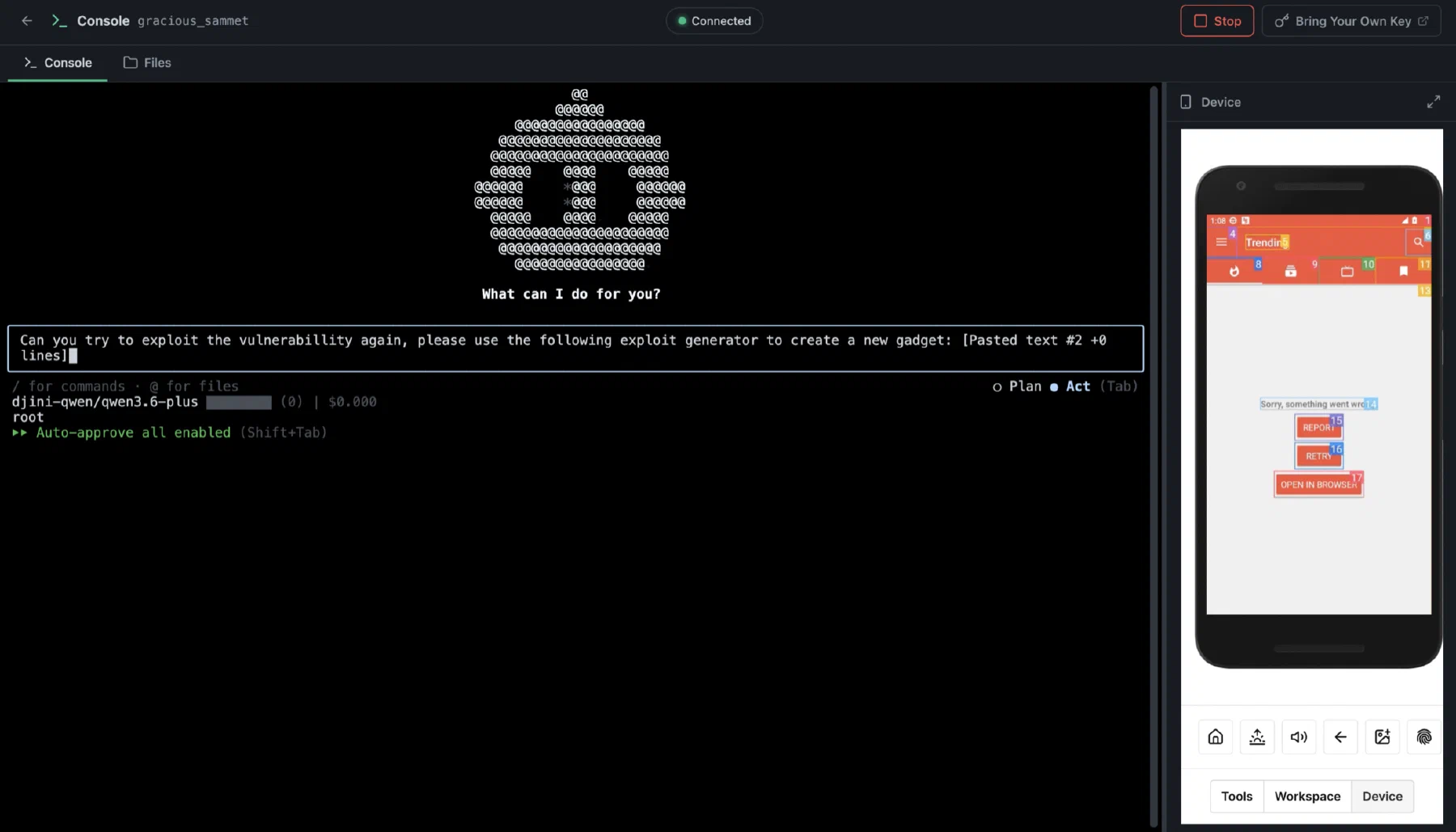
The Djini agentic console driving a connected Android test device

Build your workflow · All Djini use cases →

A few good questions

Before you go deeper.

Does this include radio-network or baseband testing?

These use cases focus on mobile applications, backend interactions, and supported device automation. They do not claim radio-network or baseband assessment coverage.

Can we integrate our own agents?

Yes. Device Lab includes API access for the automation and internal tools you build. Agree supported hardware and capacity for your workload.

Can the fleet run in our environment?

Private deployment and on-premise options are enterprise discussions. Scope the device fleet together with model inference and required external integrations.

DJINI FOR TELECOM & CONNECTED SERVICES

Your next release. A sharper security review.

Connect the code, the device, and the question your team needs answered.