E2E testing infrastructure
Put devices behind app journeys your QA and delivery workflows repeat.

03 / QA, DEVELOPERS & AGENT BUILDERS
Give your test pipeline, internal tools, and AI agents an iOS or Android environment they can actually use. Device Lab brings virtual devices, supported hardware, and API access into Djini.
You ask Djini
“Give our QA agent a mobile device, run the onboarding flow against this build, and bring the result back to our internal workflow.”
What your team gets
A device execution environment your tools can use, with access to the screen, shell, and files needed to inspect the result.
Access & scope
Device Lab is included in Djini. Device capacity and supported hardware depend on your plan.
THE WORK BEHIND THE OUTCOME
QA teams need repeatable runs. Agent builders need a place for their agents to act. Researchers need a controllable test environment. The same Device Lab can serve all three, without each team assembling a separate mobile setup.
Select an iOS or Android environment. Use virtual devices for your workflow or supported physical hardware when the task requires it.
Generate an API key and connect your pipeline, internal agent, or product integration to Djini.
Exercise an E2E journey, investigate app behavior, or execute a research experiment. Work with the device view, shell, and files.
Bring the run’s output into your own tools. Use the device context to investigate a failure and repeat the task against the next build.
Inside the Device Lab
Virtual devices, file access, API keys, and adding physical hardware. Every view comes from the Djini platform.
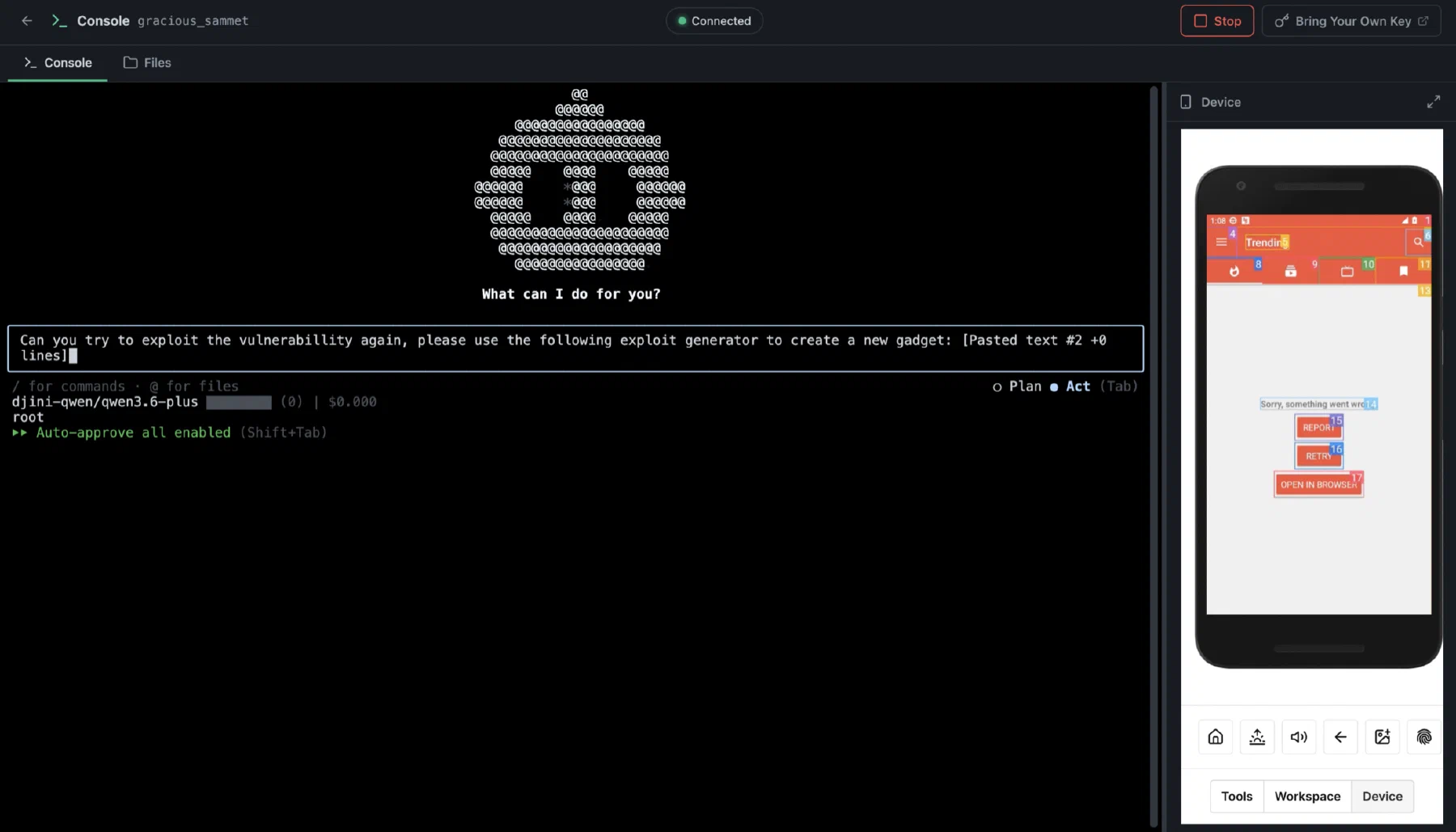
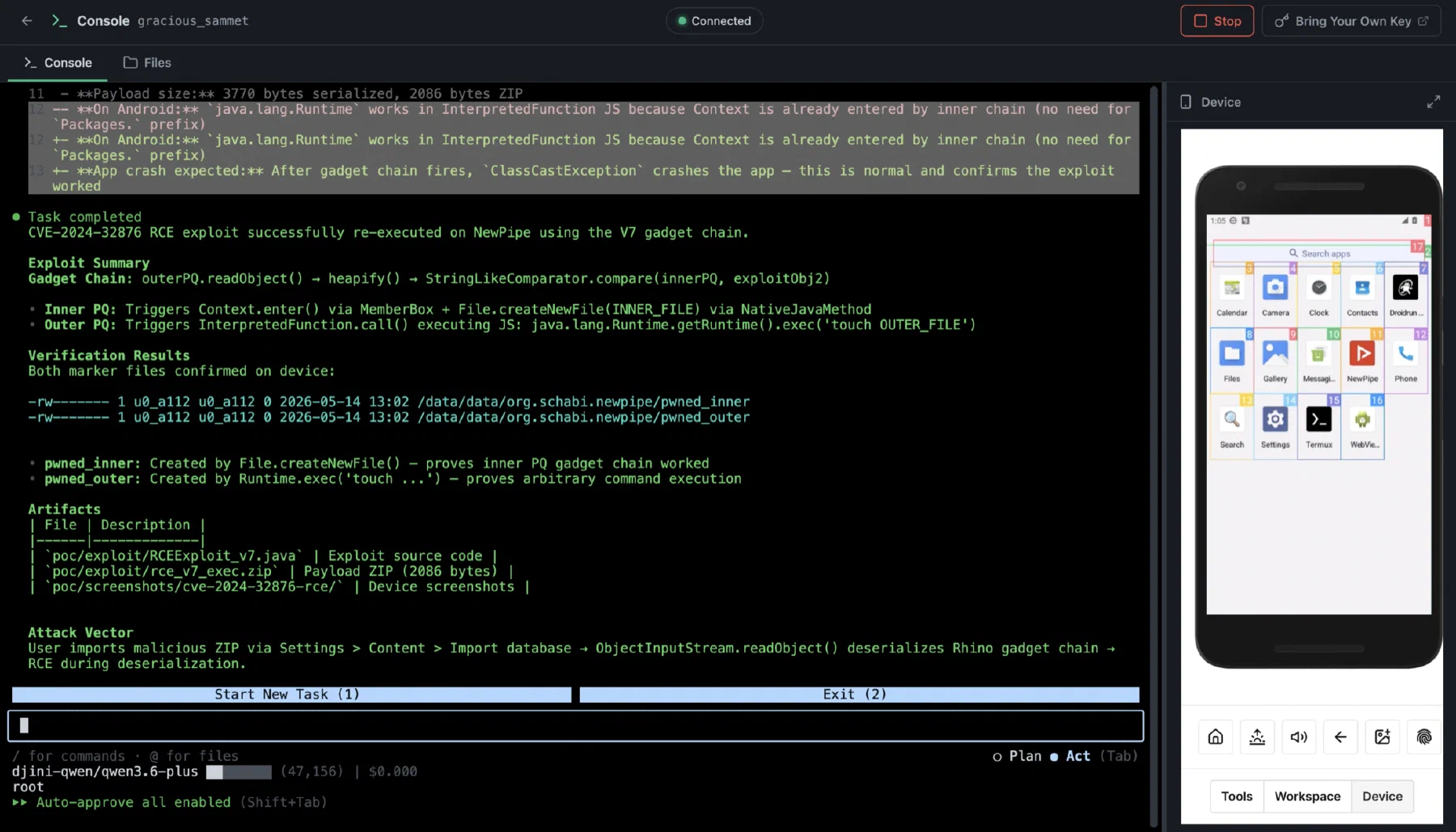
01 / Virtual devices & shell
A device view and serial shell, side by side. Inspect the environment while the app is running.
02 / File access
Explore the device's files alongside the running environment. Follow the evidence where it leads.
03 / API access
Generate a key in the platform and use it to connect your own integrations to Djini.
04 / Physical hardware
Add supported physical devices when the workflow calls for a handset. Keep virtual and physical environments in the same lab.
WHAT YOUR TEAM TAKES AWAY
Put devices behind app journeys your QA and delivery workflows repeat.
Let your own agents interact with mobile apps and inspect their environment.
Build internal automation or a product integration around the lab’s API access.
A few good questions
No. Use the Device Lab for mobile automation, development, and E2E testing as well as security work. The API allows you to connect your own agents and tools.
Yes. Djini supports adding physical hardware and connecting supported devices. Confirm the device and operating-system requirements for your setup.
No. Device Lab is included, but capacity and usage depend on your plan. Enterprise teams can discuss a private fleet sized to their workload.
PUT DJINI TO WORK
Included in Djini. Ask about a private fleet for enterprise workloads.
THIS WORKFLOW, IN YOUR INDUSTRY